
Most advertisers overspend by 15-20% on underperforming Google Ads campaigns due to poor budget allocation and a lack of dynamic optimization. Effective Google Ads budget optimization is not just about setting a daily cap; it’s a strategic process of continuous adjustment, analysis, and refinement to maximize return on investment (ROI) and minimize wasted ad spend. This guide dives into actionable strategies to help you master your Google Ads budget, from understanding daily dynamics to leveraging automation and advanced optimization techniques.
Understanding Google Ads Daily Budget Dynamics
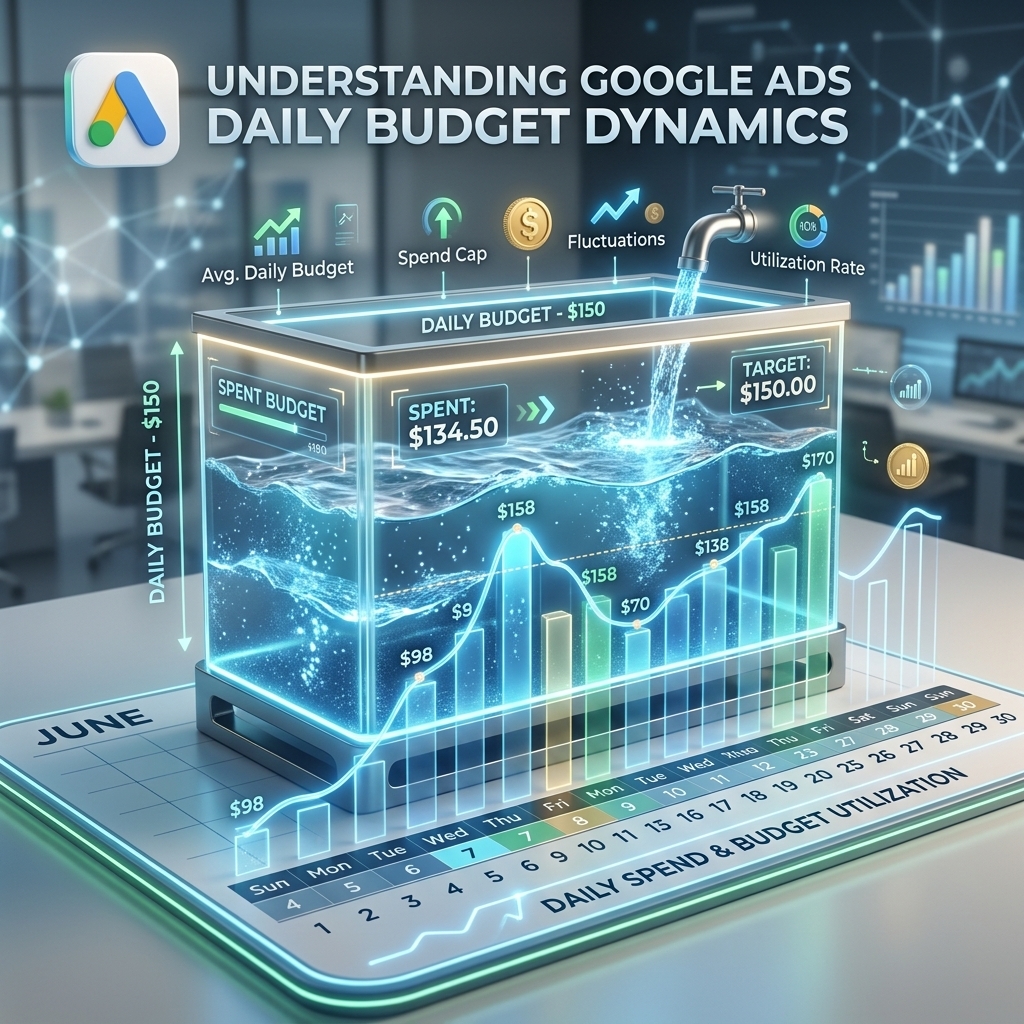
Google Ads daily budget dynamics dictate how much your campaigns can spend per day, but this isn’t always a strict cap. Google Ads understands that conversion opportunities fluctuate daily, so it allows campaigns to “overdeliver” up to twice your set daily budget on days with high conversion potential. This daily budget flexibility is designed to maximize performance over the course of a month, ensuring your total monthly spend does not exceed your daily budget multiplied by the average number of days in a month (approximately 30.4). I’ve seen many clients panic when Google spends 2x their daily budget on a good day; it’s a feature, not a bug, for performance. This intelligent spending ensures you capture valuable traffic when it’s most available, balancing it out with underspending on less opportune days.
With a clear understanding of how daily budgets fluctuate, the next step involves strategically allocating your initial funds for new campaigns to ensure a strong start.
Strategic Initial Budget Allocation for New Campaigns
Strategic initial budget allocation for new campaigns is crucial for gathering sufficient data and proving profitability without excessive upfront risk. When launching a new campaign, your budget should be adequate to generate enough clicks and conversions to inform optimization decisions. Our campaigns typically start with a daily budget 3-5x the target CPA for sufficient data collection, often around $50-$100 for a new account, especially for lead generation efforts where a CPA might be $15-$25. This ensures the campaign receives enough impressions and clicks to exit the “learning phase” efficiently. Consider your target CPA and the volume of conversions needed to make statistically significant decisions. Advertisers starting with a rent agency ad account often bypass the typical low initial spending caps, allowing for quicker data acquisition and a more robust learning phase from day one.
Once the initial budget is set, ongoing real-time monitoring and dynamic adjustments become paramount to maintaining and improving campaign efficiency.

Real-Time Monitoring and Dynamic Budget Adjustments
Real-time monitoring and dynamic budget adjustments are essential for continuous Google Ads budget optimization. This involves closely tracking key performance indicators (KPIs) like Cost Per Click (CPC), Cost Per Acquisition (CPA), Return on Ad Spend (ROAS), and Impression Share. If a campaign is underperforming its CPA target, consider reallocating budget to higher-performing ad groups or even pausing underperforming keywords. Conversely, if a campaign consistently hits its ROAS goals and is limited by budget, consider increasing the daily spend to capture more profitable opportunities. A client recently achieved a 25% CPA reduction by dynamically shifting budget from low-performing ad groups to high-converting ones mid-month, based on daily ROAS reports and impression share data. Regular analysis (daily for high-volume accounts, weekly for others) allows for agile responses to market changes and performance shifts, ensuring your budget is always directed towards the most efficient channels.
Beyond manual adjustments, leveraging Google’s Smart Bidding strategies can automate much of this dynamic optimization, driving efficiency at scale.

Leveraging Smart Bidding for Automated Budget Efficiency
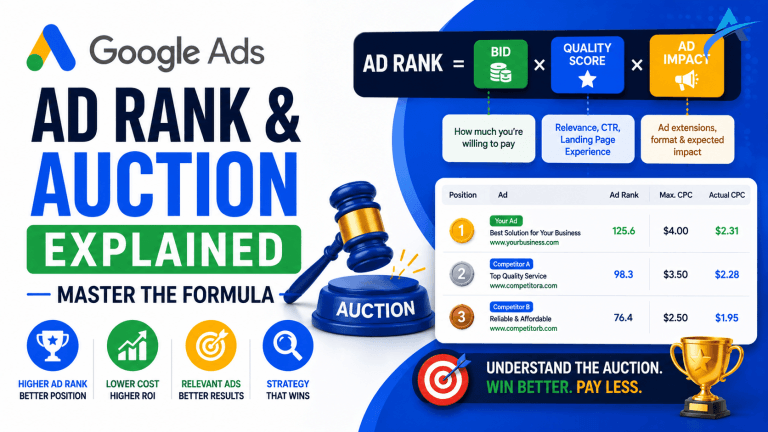
Leveraging Smart Bidding for automated budget efficiency allows Google’s machine learning to optimize bids in real-time for conversions or conversion value, within your set daily budget. Strategies like Target CPA (tCPA), Maximize Conversions, and Target ROAS (tROAS) are powerful tools for budget optimization. Target CPA aims to get as many conversions as possible at or below your target cost, while Target ROAS focuses on maximizing conversion value for a specific return. I’ve seen Smart Bidding strategies like Target CPA consistently deliver 10-15% better CPAs than manual bidding for accounts with sufficient conversion data (20+ conversions/month). These strategies automatically adjust bids based on a multitude of real-time signals (device, location, time of day, audience, etc.) to achieve your performance goals within your daily budget. For a deeper dive into these strategies, our Google Ads complete guide offers comprehensive insights into setting up and managing these advanced bidding options effectively.
While Smart Bidding optimizes for conversions, eliminating irrelevant spend through negative keywords and audience exclusions is equally critical for budget efficiency.

Eliminating Budget Waste with Negative Keywords & Audience Exclusions
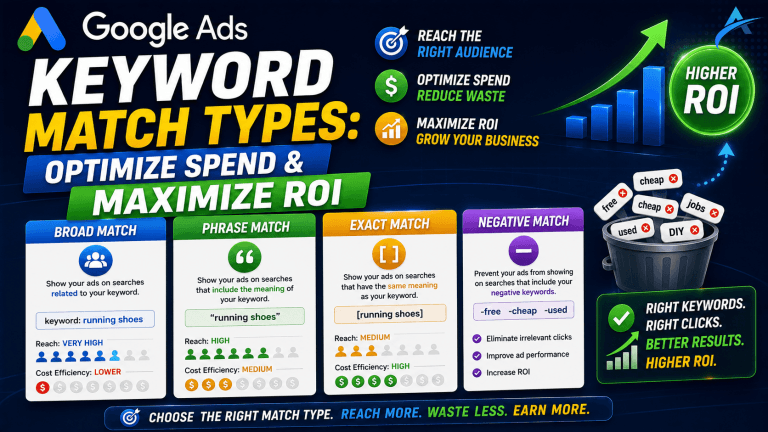
Eliminating budget waste with negative keywords and audience exclusions is a foundational aspect of Google Ads budget optimization. Negative keywords prevent your ads from showing for irrelevant search queries, saving money on clicks that will never convert. For example, if you sell “luxury watches,” adding “free,” “cheap,” or “repair” as negative keywords ensures your budget isn’t spent on users looking for low-cost or service-related queries. Our campaigns frequently see 8-12% budget savings by aggressively pruning search terms with negative keywords weekly. Similarly, audience exclusions prevent your ads from showing to specific groups, such as users who have already converted (unless it’s a remarketing campaign for upsells) or demographics consistently showing zero conversion intent. Regularly reviewing your search term reports and audience insights to identify and exclude wasteful terms and segments is a continuous optimization task. This meticulous optimization is critical, especially when scaling campaigns on a rent Google Ads account from AdShift, where maximizing every dollar is key to achieving aggressive growth targets.
With waste eliminated, the focus shifts to structured experimentation and scaling methodologies to further refine and expand your campaign’s reach and profitability.

A/B Testing Budgets and Scaling Strategies
A/B testing budgets and scaling strategies provides data-driven insights for optimal budget allocation and growth. Google Ads offers “Campaign Experiments” which allow you to test variations of your campaigns, including different budget allocations, bidding strategies, or ad copy, against your original campaign. For instance, you could test allocating 20% more budget to a specific geographic region or a particular device type to see its impact on CPA or ROAS. Our team regularly runs budget experiments, like allocating 20% more to a specific geo-target, resulting in a 1.8x ROAS increase for that segment in a recent e-commerce campaign. When scaling, avoid drastic budget increases (e.g., more than 20-30% at a time) to prevent destabilizing performance and re-entering the learning phase unnecessarily. Monitor results closely after each increase and adjust incrementally based on performance. For campaigns requiring substantial scaling beyond standard account limits, leveraging a high-trust agency ad account becomes a strategic advantage, enabling rapid budget increases without triggering security flags or lengthy review processes.

FAQ
How often should I adjust my Google Ads budget?
Adjusting your Google Ads budget depends on campaign performance and goals. Daily monitoring is ideal for high-volume campaigns, with weekly or bi-weekly adjustments based on key metrics like CPA, ROAS, and impression share. For stable campaigns, monthly reviews might suffice. Rapid changes in market conditions or competitor activity also necessitate more frequent adjustments to maintain efficiency and maximize ROI.
What is Google Ads “overdelivery” and should I worry?
Google Ads “overdelivery” is when Google spends up to twice your set daily budget on days with high potential for conversions, balancing it out with underspending on other days to ensure your average daily spend over a month aligns with your budget. You should not worry about overdelivery; it’s a feature designed to maximize your campaign’s performance, especially for conversion-focused strategies. Google will not charge you more than your monthly budget limit (daily budget multiplied by the average number of days in a month).
Can I set a monthly budget in Google Ads?
Google Ads primarily operates on a daily budget system. While you cannot directly set a monthly budget in the interface, you can calculate an effective monthly budget by multiplying your daily budget by 30.4 (the average number of days in a month). Google will ensure your total spend does not exceed this calculated monthly limit, even with daily overdelivery, providing predictable monthly expenditure.
How does an agency ad account help with budget limits?
An agency ad account, like those provided by AdShift, helps bypass common budget limitations in several ways. These accounts often come with higher initial spending limits, allowing advertisers to scale campaigns faster without the typical ramp-up delays. They are pre-verified and have established trust with platforms, reducing the likelihood of payment holds or account flags that can restrict spending. This enables immediate, high-volume ad spend, crucial for aggressive scaling or launching large campaigns.
Conclusion
Effective Google Ads budget optimization is a continuous cycle of strategic allocation, diligent monitoring, and data-driven adjustment. By understanding daily budget dynamics, setting smart initial allocations, leveraging automated bidding, eliminating waste, and systematically testing, you can significantly enhance your campaign’s ROI. The goal is to maximize every dollar spent, turning your budget into a powerful engine for growth, not just an expense.
Ready to take control of your Google Ads budget and scale without limitations? Rent a verified Google Ads agency account from AdShift and unlock higher spending limits and instant campaign launch capabilities.