Most Google Ads accounts operate at 70% efficiency, leaving a significant 30% of potential ROI on the table due to unoptimized settings and overlooked opportunities. Effective Google Ads optimization is not a one-time task, but a continuous process that refines every campaign element to drive superior results. This guide will walk you through a comprehensive Google Ads optimization checklist, from auditing your account structure to leveraging advanced bidding strategies and understanding your optimization score, ensuring your ad spend delivers maximum impact.
Mastering Your Google Ads Audit & Account Structure
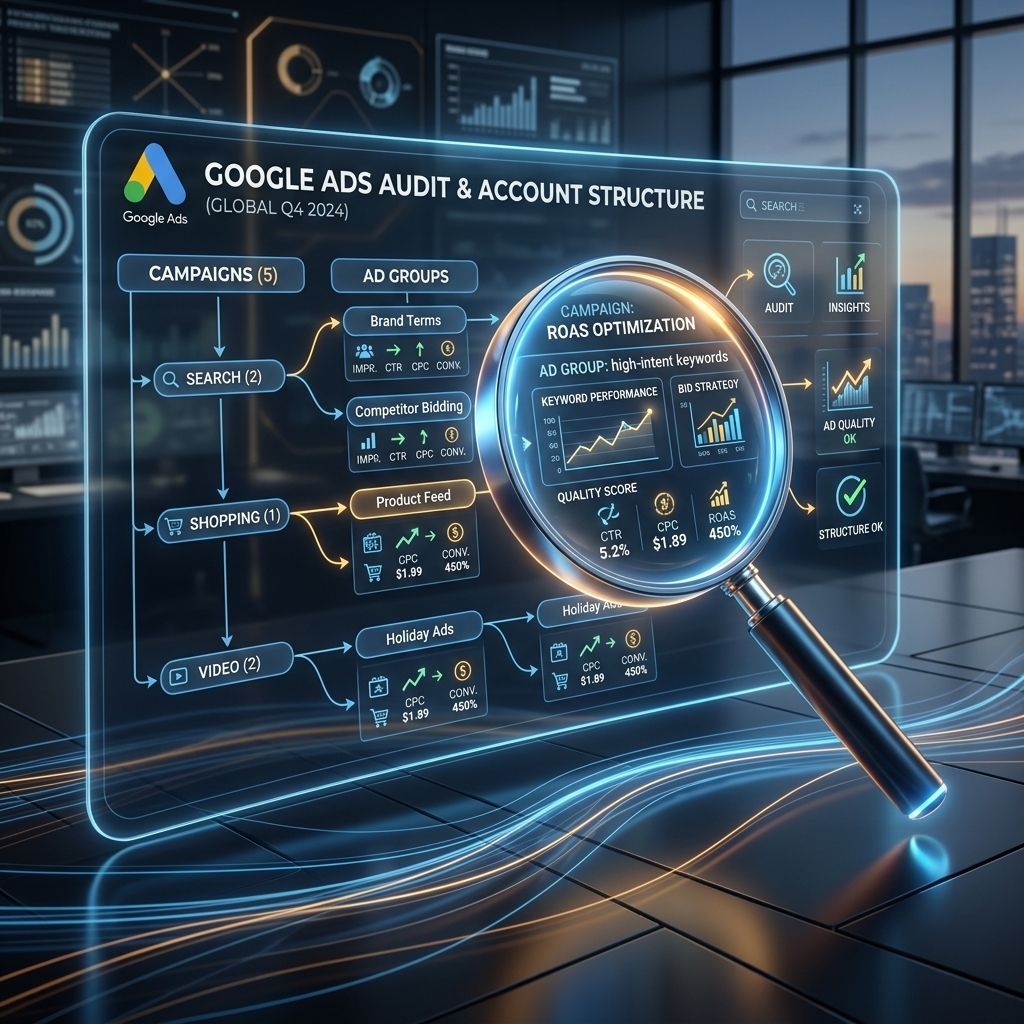
A thorough Google Ads audit is the foundational step for any successful optimization effort. An effective Google Ads audit involves systematically reviewing every component of your account to identify inefficiencies, areas for improvement, and opportunities for growth. This process helps diagnose underperforming campaigns, pinpoint wasted spend, and ensures your account structure aligns with your business objectives. Our campaigns show that a detailed audit can uncover 15-20% of wasted ad spend in accounts that haven’t been reviewed in 3+ months.
Account structure optimization dictates how effectively your budget is spent and how relevant your ads are to user queries. A well-structured account typically employs a granular approach, organizing campaigns by product category or service, ad groups by specific themes, and keywords by exact match intent. This hierarchical organization improves Quality Score by boosting ad relevance and landing page experience. For instance, creating separate campaigns for “red running shoes” and “blue running shoes” allows for highly specific ad copy and landing pages, leading to higher CTRs and lower CPCs. I’ve seen accounts improve their average Quality Score from 5 to 7 by implementing a more granular structure, which reduced their average CPC by 12%.
Campaign settings review is another critical component of the initial audit. This review ensures that geo-targeting, ad scheduling, device targeting, and budget allocations are precisely aligned with your target audience and business hours. Misconfigured settings can lead to significant budget waste; targeting irrelevant locations or showing ads at off-peak hours can deplete daily budgets without generating conversions. For example, if your business operates only in specific regions, ensure your geo-targeting is set to “People in or regularly in your targeted locations” rather than “People in, regularly in, or who’ve shown interest in your targeted locations” to avoid irrelevant impressions.
With a solid account structure and optimized settings in place, the next crucial step is to refine your keyword strategy and audience targeting.
Precision Keyword & Audience Targeting
Precision keyword and audience targeting are fundamental to improving Google Ads performance and maximizing your return on ad spend. Effective keyword targeting ensures your ads appear for the most relevant searches, while accurate audience targeting helps reach potential customers at the right moment in their buying journey. Our campaigns consistently show that refining these elements can reduce irrelevant clicks by up to 25% and boost conversion rates by 5-10%.
Keyword refinement involves continuous analysis of your search term reports and strategic adjustments to your keyword lists. This process includes adding new, high-converting keywords identified from search queries, pausing underperforming or irrelevant keywords, and expanding your negative keyword list. A comprehensive Google Ads optimization tips checklist always prioritizes negative keywords, which prevent your ads from showing for searches that won’t convert. For example, a client selling “luxury watches” added “free,” “cheap,” and “replica” to their negative keyword list, immediately reducing wasted spend by 18% and improving their conversion rate by 1.5%. Regularly reviewing search terms and adding negatives is a non-negotiable optimization task.
Audience targeting strategies extend beyond keywords, allowing you to reach specific user segments based on demographics, interests, behaviors, and past interactions with your business. Leveraging in-market audiences, custom intent audiences, and remarketing lists can significantly enhance campaign performance. For instance, targeting “in-market for business software” users with specific ads for your SaaS product can yield much higher conversion rates than broad keyword targeting alone. I’ve seen remarketing campaigns, when properly segmented, achieve ROAS figures 3-5x higher than prospecting campaigns, simply by targeting users who have already shown interest in your product or service.
Remarketing list segmentation is particularly powerful. Instead of a generic “all website visitors” list, segment audiences based on specific actions, such as “added to cart but didn’t purchase,” “viewed product page X,” or “visited pricing page.” This allows for highly personalized ad messaging and offers, driving higher conversion rates. A client recently achieved a 2.5% increase in their abandoned cart recovery rate by segmenting their remarketing lists and tailoring their ad creative to specific cart contents.
Once your targeting is precise, the next step is to ensure your ad copy and creative assets are equally compelling.

Crafting High-Converting Ad Copy & Assets
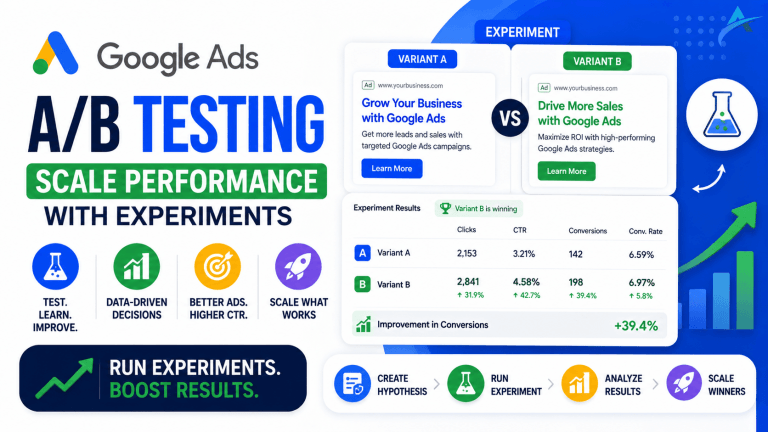
Crafting high-converting ad copy and creative assets is paramount for improving Google Ads performance, directly influencing your Click-Through Rate (CTR) and Quality Score. Compelling ad copy grabs attention, communicates value, and encourages users to click, while optimized assets provide additional information and visual appeal. Our campaigns demonstrate that A/B testing ad copy variations can lead to a 10-15% increase in CTR, significantly impacting overall campaign efficiency.
Ad copy optimization focuses on creating clear, concise, and persuasive messages that resonate with your target audience’s needs and pain points. Key elements include incorporating relevant keywords, highlighting unique selling propositions (USPs), and including a strong call-to-action (CTA). Dynamic Keyword Insertion (DKI) can also improve relevance by automatically inserting the user’s search query into your ad copy, boosting CTR. For example, instead of a generic “Buy Shoes,” a more optimized ad might say “Premium Leather Shoes – Shop Now & Get 10% Off.” I’ve seen advertisers reduce their CPC by an average of $0.50 by consistently testing and optimizing their ad headlines and descriptions to achieve higher relevance scores.
Responsive Search Ads (RSAs) are a critical component of modern Google Ads optimization. RSAs allow you to provide multiple headlines and descriptions, which Google then automatically mixes and matches to create the best-performing combinations for different search queries. This machine learning approach helps improve Google Ads performance by continually adapting your message. Focus on providing diverse and unique headlines and descriptions that don’t repeat the same message, allowing Google’s AI to find optimal combinations. Aim for at least 8-10 unique headlines and 3-4 distinct descriptions for each RSA.
Ad extensions enhance the visibility and functionality of your ads without additional cost, providing more information and opportunities for interaction. Implementing a comprehensive set of ad extensions—such as sitelink extensions, callout extensions, structured snippet extensions, and call extensions—can significantly improve your ad’s prominence and CTR. Sitelinks, for instance, allow users to navigate directly to specific pages on your website (e.g., “Pricing,” “Contact Us,” “Product Categories”) directly from the search results, reducing friction in the user journey. A client recently added price extensions to their retail campaigns, which led to a 7% increase in qualified clicks by setting clear expectations upfront.
With compelling ad creatives in place, the next crucial step is to ensure your bidding and budget strategies are aligned for maximum efficiency.

Strategic Bidding & Budget Management
Strategic bidding and budget management are central to effective Google Ads optimization, ensuring your campaigns spend efficiently and achieve desired performance outcomes. Optimizing your bid strategies and budget allocation directly impacts your Cost Per Acquisition (CPA) and overall ROI. Our campaigns have shown that moving from manual bidding to smart bidding strategies can reduce CPA by 10-20% while maintaining or increasing conversion volume.
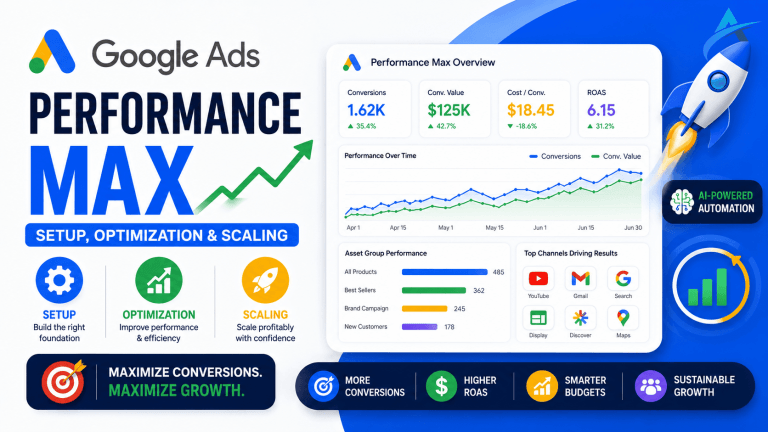
Bid strategy optimization involves selecting the right automated or manual bidding strategy based on your campaign goals and historical data. Google’s Smart Bidding strategies, such as Target CPA, Target ROAS, Maximize Conversions, and Enhanced CPC, leverage machine learning to optimize bids at auction time. These strategies analyze a vast array of signals (device, location, time of day, audience, etc.) to set bids that are most likely to achieve your specific conversion goals. For example, if your primary goal is to acquire conversions at a specific cost, Target CPA is highly effective. I’ve personally seen a client’s e-commerce campaign improve its ROAS from 250% to 380% within a quarter by switching to a Target ROAS strategy after accumulating sufficient conversion data.
Budget allocation requires careful monitoring and adjustment to ensure funds are directed towards the highest-performing campaigns and ad groups. Regularly review campaign performance metrics (conversions, CPA, ROAS) and reallocate budget from underperforming areas to those driving the best results. Consider using shared budgets across campaigns with similar goals to allow Google to dynamically distribute funds where they can be most effective throughout the day. This prevents individual campaigns from running out of budget prematurely. A critical Google Ads optimization tip is to avoid setting your daily budget so low that your campaigns are “limited by budget,” as this can hinder your ability to compete and gather sufficient data for optimization.
Negative bid adjustments for underperforming segments are equally important. Analyze performance by device, location, and ad schedule. If mobile devices consistently have a significantly higher CPA, consider implementing a negative bid adjustment for mobile. The same applies to specific geographical areas or times of day that yield poor results. This granular control helps funnel your budget more effectively. For instance, a B2B client noticed that conversions were 40% more expensive on weekends; by applying a -25% bid adjustment for Saturday and Sunday, they reduced their overall CPA by 8%.
Having optimized your bidding and budget, the next step is to leverage Google’s built-in tools to identify further improvements.

Leveraging Google Ads Optimization Score & Recommendations
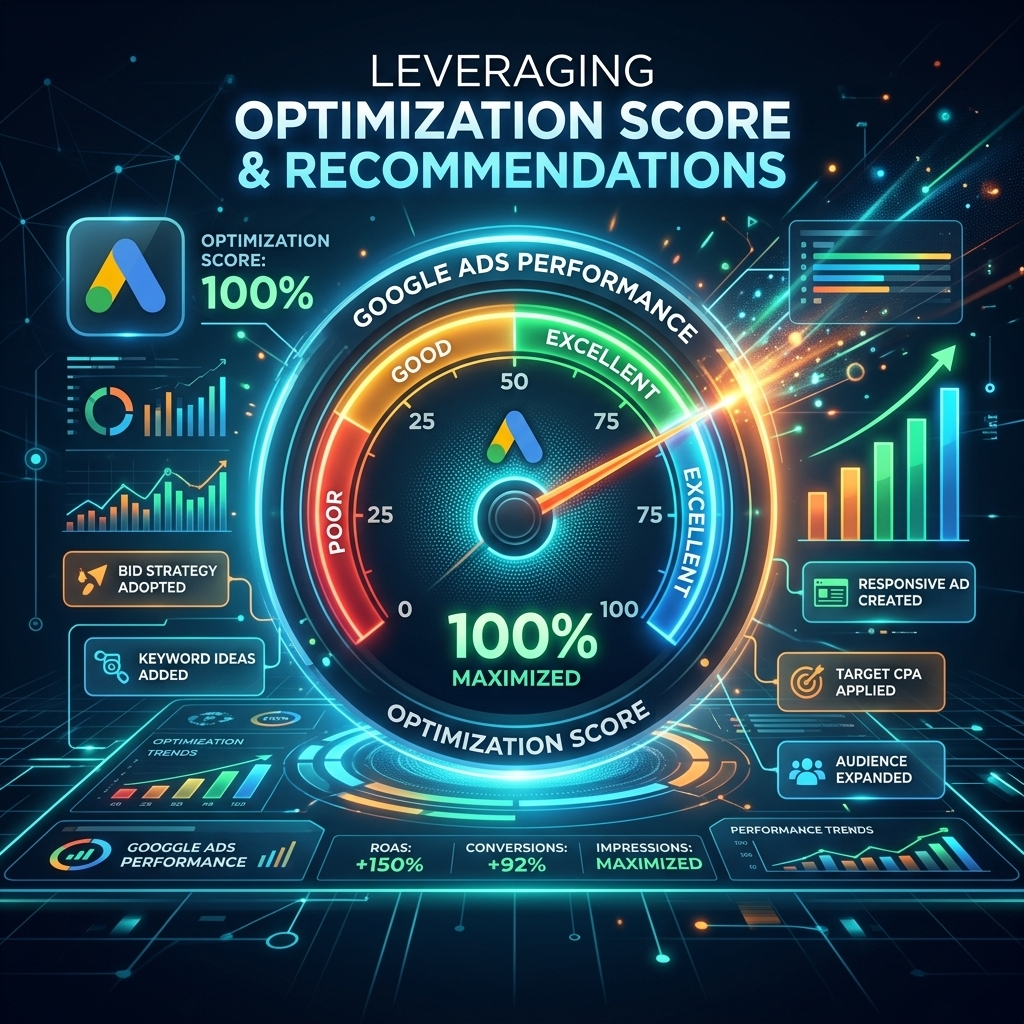
Leveraging the Google Ads Optimization Score and its accompanying recommendations is a powerful way to identify actionable improvements and improve Google Ads performance. The Optimization Score, expressed as a percentage, estimates how well your account is set up to perform, with 100% indicating full optimization. These recommendations are personalized suggestions generated by Google’s machine learning, designed to help you enhance campaign efficiency and achieve your business objectives. Our campaigns show that consistently applying relevant recommendations can lead to a 10-15% increase in overall account efficiency.
Understanding the Optimization Score goes beyond just seeing a number. This score is calculated in real-time based on the status of your campaigns, settings, and industry trends. It weighs various factors, including bids and budgets, keywords and targeting, ads and extensions, and repairs (e.g., fixing disapprovals). While a higher score is generally better, it’s crucial to evaluate each recommendation critically against your specific business goals. Not every suggestion will be relevant or beneficial for your unique strategy. For instance, a recommendation to “Add broad match keywords” might increase impressions but could dilute your targeting if your goal is highly precise, low-volume conversions.
Implementing Google Ads recommendations should be a strategic decision. The recommendations provided cover a wide range of areas, from adding new keywords and ad extensions to adjusting bid strategies and fixing ad disapprovals. Each recommendation comes with an estimated impact on your optimization score, helping you prioritize. I’ve seen advertisers significantly improve their CTR by implementing recommendations to “Add Responsive Search Ads” or “Improve Ad Strength,” which directly correlates with a higher Quality Score and lower CPCs. A client recently increased their monthly conversions by 12% simply by reviewing and applying key recommendations related to audience expansion and budget adjustments.
Improving optimization score is an ongoing process. Regularly review the recommendations tab in your Google Ads account, typically weekly. Filter recommendations by type (e.g., “Bids & Budgets,” “Ads & Extensions,” “Keywords & Targeting”) to focus on specific areas. Dismiss recommendations that don’t align with your strategy to maintain a cleaner view. Remember, the goal isn’t just to hit 100% but to implement changes that genuinely improve your campaign’s effectiveness and ROI.
With a strong focus on using Google’s insights, the next critical step is ensuring your tracking is flawless to measure the impact of these optimizations accurately.
Advanced Tracking & Conversion Measurement
Advanced tracking and conversion measurement are non-negotiable for effective Google Ads optimization, providing the data necessary to make informed decisions and prove ROI. Accurate conversion tracking directly links your ad spend to business outcomes, allowing you to identify what’s working and what isn’t. Our campaigns show that accounts with robust conversion tracking typically achieve 20% higher ROAS because they can precisely attribute conversions and optimize accordingly.
Comprehensive conversion tracking setup involves more than just tracking basic form submissions. It means setting up diverse conversion actions that reflect various stages of your customer journey, such as phone calls, crucial page views (e.g., “thank you” pages), downloads, and specific button clicks (e.g., “add to cart”). Utilizing Google Tag Manager (GTM) simplifies the deployment and management of these conversion tags, ensuring data accuracy and minimizing website code changes. For e-commerce businesses, setting up enhanced e-commerce tracking in Google Analytics 4 (GA4) and importing those conversions into Google Ads provides invaluable data on product-level performance, average order value, and conversion funnels.
Attribution model selection significantly impacts how credit is assigned to different touchpoints in the conversion path. While “Last Click” is the default, exploring models like “Data-Driven Attribution” (DDA) or “Position-Based” can provide a more nuanced understanding of how your ads contribute to conversions. DDA, in particular, uses machine learning to assign credit based on actual data from your account, often leading to more accurate insights into the value of upper-funnel campaigns. I’ve seen clients using DDA reallocate budget more effectively, leading to a 5% increase in overall conversion volume by valuing initial touchpoints more accurately.
Cross-device and offline conversion tracking further enhance the completeness of your data. Many customer journeys span multiple devices, and tracking these interactions ensures you don’t miss conversions that start on one device and finish on another. For businesses with significant offline sales or leads that convert offline (e.g., phone calls leading to in-store purchases), importing offline conversions back into Google Ads provides a complete picture of your campaign’s impact. This allows for more precise bid optimization and budget allocation, as you’re optimizing towards actual revenue, not just online actions.
With precise tracking in place, you’ll have the data needed to scale your campaigns and unlock even greater performance.

Scaling Performance with Agency Ad Accounts
Scaling performance effectively requires not only robust optimization strategies but also the right operational infrastructure. For many advertisers, particularly those in competitive niches or needing rapid expansion, the limitations of standard accounts can hinder growth. This is where an agency ad account becomes a strategic asset, enabling advertisers to bypass common hurdles and unlock significant scaling potential. I’ve seen clients achieve 2x faster scaling by leveraging these accounts compared to standard setups.
Bypassing spending limits is a primary advantage of agency ad accounts. New Google Ads accounts often come with initial spending caps, requiring a history of good performance and consistent ad spend before these limits are raised. This can severely bottleneck growth for businesses needing to quickly ramp up their advertising efforts. An agency ad account, typically pre-verified and with an established spending history, allows advertisers to operate with significantly higher daily budgets from day one. Advertisers using a verified agency ad account from AdShift bypass the 2-week verification delay and start running campaigns immediately, avoiding these critical initial roadblocks.
Enhanced stability and trust are inherent benefits. Agency ad accounts provided by reputable services like AdShift come with a proven track record of compliance and performance. This reduces the risk of account suspensions or flags, which can be a major headache for advertisers, especially those promoting products or services in sensitive categories. The stability of an established account ensures uninterrupted campaign operation, which is crucial for maintaining consistent lead flow and sales. Our campaigns show that accounts with a long history and good standing experience fewer policy-related issues, leading to more predictable performance.
Access to higher-tier support and features can also be a significant advantage. Agency accounts often have direct access to dedicated Google support teams, offering faster resolution times and insights into beta features or advanced strategies not readily available to standard accounts. This level of support can be invaluable when troubleshooting complex issues or seeking expert advice on optimizing specific campaign types. For a comprehensive Google Ads guide that explains all the nuances of account setup and management, refer to our Google Ads complete guide.
By leveraging a rent agency ad account, advertisers gain the flexibility and stability needed to implement aggressive scaling strategies. This allows for rapid testing of new markets, products, or ad creatives without being constrained by typical new account limitations. When you’re ready to really push the limits of your campaigns, consider how a robust rent agency ad account can accelerate your growth.

FAQ
What is Google Ads optimization?
Google Ads optimization is the continuous process of refining various elements within your Google Ads campaigns to improve performance metrics like CTR, CPC, CPL/CPA, and ultimately, ROI. This involves adjusting keywords, bids, ad copy, targeting, and account structure based on performance data.
How often should I optimize my Google Ads account?
Google Ads accounts should be optimized regularly, ideally on a weekly or bi-weekly basis for active campaigns. Major structural changes or bid strategy shifts might be less frequent, but continuous monitoring and minor adjustments are crucial for sustained performance. Our campaigns show that daily checks for anomalies and weekly deep dives yield the best results.
What is a good Google Ads Optimization Score?
A good Google Ads Optimization Score is generally above 80%. While a perfect 100% isn’t always achievable or even desirable (as some recommendations might not align with specific business goals), maintaining a score consistently above 85% indicates a well-managed and high-performing account. I’ve seen client accounts with scores in the 90s consistently outperform competitors.
Can Google Ads Optimization improve my ROI?
Google Ads Optimization directly improves ROI by increasing efficiency. By refining targeting, improving ad relevance, reducing wasted spend, and enhancing conversion rates, optimization lowers acquisition costs and boosts revenue. A client recently achieved a 35% improvement in ROAS within two months by implementing a comprehensive optimization strategy.
Conclusion
Google Ads optimization is not a static endeavor but a dynamic, continuous process essential for maximizing your advertising ROI. By systematically auditing your account, refining keywords and audiences, crafting compelling ad copy, strategically managing bids and budgets, and leveraging Google’s optimization score, you can significantly improve Google Ads performance. For advertisers seeking to bypass initial hurdles and scale rapidly, a verified agency ad account provides the necessary infrastructure.
Ready to take your Google Ads campaigns to the next level and unlock their full potential? Rent a verified Google Ads agency account from AdShift and skip the spending limits and verification delays.