Most advertisers misallocate 30% of their Google Ads Performance Max budget due to incorrect initial setup or a lack of ongoing optimization. This often results in suboptimal ROAS and missed growth opportunities. Mastering Google Ads Performance Max campaigns is crucial for driving efficient conversions across Google’s vast network. This guide will walk you through the essential strategies for setting up, optimizing, and scaling your Performance Max campaigns effectively.
Understanding Google Ads Performance Max Fundamentals
Google Ads Performance Max fundamentally combines all Google Ads channels into a single, unified campaign type, leveraging Google’s automation to maximize conversions. This innovative campaign type integrates Search, Display, Discover, Gmail, Maps, and YouTube, reaching customers wherever they are across Google’s inventory. The primary goal of Performance Max is to drive optimal performance for a specific conversion goal by automating bidding, targeting, and ad serving decisions based on advertiser inputs. I’ve observed that campaigns leveraging high-quality, diverse asset groups consistently outperform those with limited creative variations by up to 20% in conversion volume. For a broader understanding of Google Ads and its various campaign types, refer to our comprehensive Google Ads complete guide.
Performance Max campaigns operate through several critical components:
* Asset Groups: These are collections of creative assets (headlines, descriptions, images, videos, logos) and a final URL, grouped by a common theme or product/service. High-quality assets are paramount as they fuel the various ad formats across channels.
* Audience Signals: Advertisers provide signals (e.g., customer lists, custom segments, website visitors) to guide Google’s AI in finding the most relevant audiences. These signals are not targeting criteria but rather hints to accelerate the learning phase.
* Final URL Expansion: This feature automatically sends users to the most relevant landing page on your website based on their search query and intent, beyond the initial final URL provided. It’s crucial to ensure your website has strong, relevant content across all potential landing pages.
Understanding these core components is crucial for a successful PMax setup, which directly impacts your campaign’s ability to generate leads or sales.

Critical Performance Max Setup Strategies for Success
Critical Performance Max setup strategies begin with meticulous asset group creation and robust conversion tracking, laying the groundwork for efficient campaign performance. The initial configuration of your Google Ads Performance Max campaign dictates its potential for success.
Here are the key steps:
1. Implement Flawless Conversion Tracking: Before launching any PMax campaign, ensure your conversion tracking is 100% accurate. This means tracking specific actions like purchases, leads, or sign-ups directly through Google Ads or imported from Google Analytics 4. Incorrect tracking renders all optimization efforts ineffective.
2. Define Clear Conversion Goals: Performance Max is conversion-focused. Clearly define what a “conversion” means for your business and set your campaign to optimize for these specific actions.
3. Build High-Quality Asset Groups: Each asset group should represent a distinct product category, service, or theme.
* Headlines & Descriptions: Provide a wide array of compelling headlines (up to 15 short, 5 long) and descriptions (up to 4 short, 1 long). Focus on benefits, unique selling propositions, and clear calls to action.
* Images & Videos: Upload a diverse set of high-resolution images (landscape, square, portrait) and, most importantly, provide videos. If you don’t provide a video, Google will automatically generate one, which might not align with your brand. Our campaigns consistently show that providing strong audience signals, especially customer match lists, can reduce the learning phase by 30% and improve initial ROAS by 1.5x.
* Logos & Business Name: Ensure your brand identity is consistent.
4. Leverage Audience Signals Effectively: Provide Google’s AI with as much relevant first-party data as possible.
* Customer Match Lists: Upload hashed customer email lists for powerful targeting.
* Website Visitor Lists: Target users who have previously interacted with your site.
* Custom Segments: Define audiences based on search terms, URLs, or app usage relevant to your offerings.
5. Strategic Final URL Expansion: Decide whether to enable or disable this feature. If your website has many relevant landing pages that could effectively convert users, enable it. If you have specific, optimized landing pages you want all traffic directed to, disable it and only use the provided final URL.
Advertisers using a verified agency ad account from AdShift often experience smoother initial setup and review processes, allowing PMax campaigns to launch faster without typical new account delays. These agency ad accounts provide a robust foundation, critical for new campaign success, particularly when navigating Google’s automated systems. Once PMax campaigns are correctly set up, the next phase involves continuous optimization to drive efficiency and higher returns.

Data-Driven Performance Max Optimization Tactics
Data-driven Performance Max optimization tactics focus on iterative improvements based on performance insights, rather than “set it and forget it.” Performance Max campaigns, despite their automation, require continuous monitoring and strategic adjustments to maintain and improve efficiency.
Here’s how to optimize:
1. Analyze Asset Group Performance: Regularly check the “Assets” report within your PMax campaign. This report shows which headlines, descriptions, images, and videos are performing best, or worst.
* Replace Low-Performing Assets: Identify assets rated “Low” or “Poor” and replace them with new, high-quality variations. Experiment with different messaging angles and visual styles. I’ve seen clients boost their conversion rates by 15-20% simply by rigorously testing and replacing underperforming creative assets every 2-4 weeks within their PMax asset groups.
* Add More Assets: The more high-quality, diverse assets you provide, the more options Google has to create relevant ads across various placements.
2. Refine Audience Signals: While signals aren’t direct targeting, they influence who Google shows your ads to.
* Test New Signals: Introduce new custom segments or customer lists based on recent market research or customer behavior.
* Examine “Insights” Page: Google’s Insights page provides valuable data on consumer interests and search themes driving performance. Use these insights to create new asset groups or refine existing audience signals.
3. Implement Account-Level Negative Keywords: Although you can’t add negative keywords directly to PMax campaigns, you can add them at the account level. This is crucial for brand safety and preventing wasted spend on irrelevant search queries that PMax might unintentionally target.
4. Monitor Conversion Value Rules (If Applicable): If you’re using conversion value rules, ensure they accurately reflect the true value of different conversions to your business. This helps the Smart Bidding algorithm optimize for the most profitable outcomes.
5. Adjust Budget and Bidding Strategies: Based on performance data, gradually adjust your budget. If you’re consistently hitting your Target ROAS or Maximize Conversions goal, consider increasing your budget to scale. If performance dips, reassess your bidding strategy or asset quality.
Optimizing existing campaigns is vital, but scaling Performance Max requires a strategic approach to expand reach and impact without compromising efficiency.

Scaling Google Ads Performance Max Campaigns Effectively
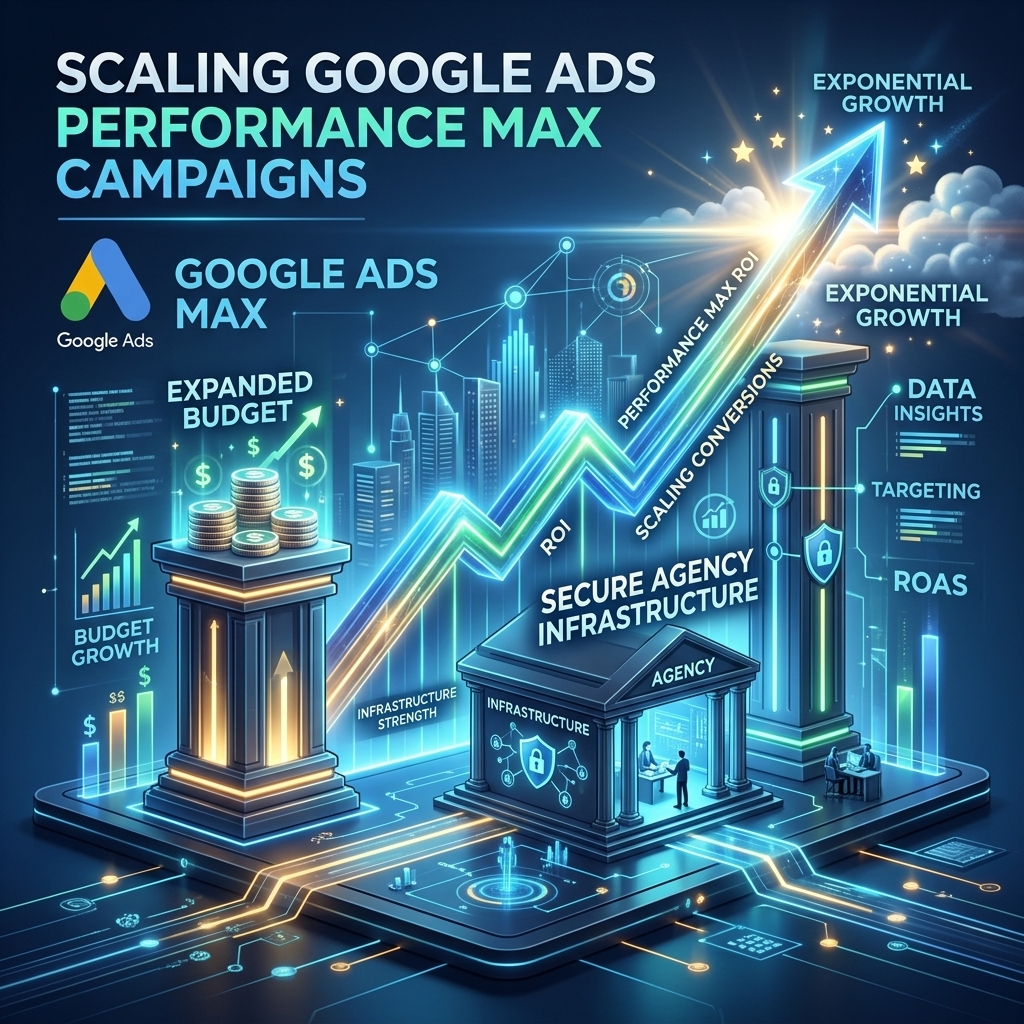
Scaling Google Ads Performance Max campaigns effectively requires a balanced approach, gradually expanding reach while maintaining ROAS. Simply increasing the budget without strategic adjustments can lead to diminished returns.
Consider these strategies for intelligent scaling:
1. Gradual Budget Increases: Avoid drastic budget increases (e.g., 50%+ overnight). Instead, increase your budget by 10-20% every few days or weekly. This allows the PMax algorithm to adjust and re-optimize without going into a prolonged learning phase. Our campaigns show that consistent, measured budget increases yield more stable scaling than aggressive, sudden spikes.
2. Expand Audience Signals: As you scale, look for new opportunities to provide Google with more audience signals. This could include:
* New Customer Match Segments: Segment your customer lists further (e.g., high-value customers, recent purchasers).
* Broader Custom Segments: Explore related search terms or URLs that align with your product/service but weren’t initially included.
* Lookalike Audiences: While not directly available as a signal in PMax, ensure your existing first-party data is robust, as Google’s AI will leverage similar user characteristics. A client recently achieved a 25% increase in conversions while maintaining a 4.5x ROAS by systematically expanding their PMax audience signals and gradually increasing budget by 15% weekly over two months.
3. Create New, Themed Asset Groups: If you’re launching new products, services, or targeting different customer segments, create entirely new asset groups. This ensures highly relevant creatives and landing pages for each specific offering, improving ad relevance and conversion rates.
4. Geographic and Language Expansion: If your business has the capacity, gradually expand your PMax campaigns into new regions or target new language segments. Start with high-potential areas identified through market research.
5. Leverage Agency Ad Accounts for Stability: For high-growth businesses, renting a Google Ads agency account from AdShift provides the robust infrastructure needed to scale PMax campaigns without hitting daily spending caps or facing premature reviews. These accounts offer the stability and higher limits essential for aggressive scaling, allowing you to maximize your Performance Max potential without the administrative hurdles often associated with new or high-spend accounts. A reliable Google Ads agency account ensures your scaling efforts are supported by a stable and verified platform.
Frequently Asked Questions about Google Ads Performance Max
How long does it take for Performance Max to optimize?
Google Ads Performance Max campaigns typically require 2-4 weeks to move beyond the initial learning phase and achieve stable optimization. This period allows the automated system to gather sufficient data across various channels, understand user behavior, and refine its bidding and targeting strategies. Providing strong audience signals and high-quality assets can often expedite this process.
Can I use negative keywords in Performance Max?
While you cannot directly add negative keywords at the Performance Max campaign level, you can implement them at the account level. This applies to all campaigns within that Google Ads account. For brand safety or to prevent irrelevant traffic, advertisers can contact Google support to request specific negative keyword lists be applied directly to a PMax campaign, though this is a less common route for general exclusions.
What’s the best bidding strategy for PMax?
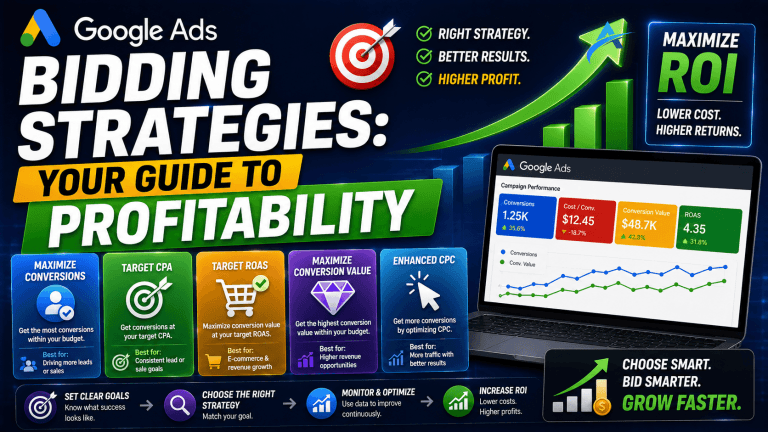
The best bidding strategy for Google Ads Performance Max depends on your campaign goals. ‘Maximize Conversions’ is ideal for driving the highest volume of conversions within your budget, especially when starting. If you have a specific return on ad spend (ROAS) target, ‘Target ROAS’ is more suitable, aiming to achieve that target while maximizing conversion value. Ensure conversion tracking is robust for both strategies.
How do I improve my PMax asset group performance?
Improving PMax asset group performance involves continuous testing and refinement. Regularly review the ‘Assets’ report to identify underperforming headlines, descriptions, images, and videos. Replace low-performing assets with new, high-quality variations. Experiment with different messaging angles and visual styles. Ensure your asset groups are tightly themed around specific products or services to maintain relevance and improve engagement metrics.
Is Performance Max suitable for all businesses?
Google Ads Performance Max is generally suitable for most businesses looking to drive conversions, whether it’s sales, leads, or app installs, across Google’s entire inventory. It performs best when advertisers have robust conversion tracking, a clear conversion goal, and high-quality creative assets. Businesses with very niche products or extremely limited budgets might need to monitor initial performance closely.
Mastering Google Ads Performance Max requires a strategic approach to setup, continuous data-driven optimization, and smart scaling tactics. By focusing on high-quality assets, leveraging audience signals, and making iterative improvements, you can unlock significant growth for your business. For advertisers looking to scale aggressively and bypass initial account limitations, a verified agency ad account provides a crucial advantage.
Ready to maximize your campaign performance and scale without limits? Rent a verified Google Ads agency account from AdShift and unlock your full potential.