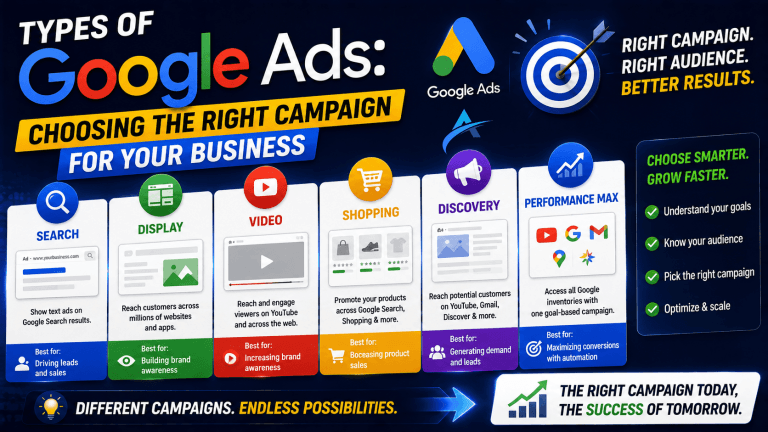

Most advertisers waste 30-40% of their Google Display Network (GDN) impression potential by failing to implement a comprehensive strategy for Google Display Ad sizes. This oversight directly translates to missed reach and inflated Cost Per Acquisition (CPA). Mastering Google Display dimensions is not just about fitting an ad; it’s about optimizing visibility and engagement across the vast GDN. This article will outline the critical standard and responsive display ad sizes, provide creative best practices, and highlight common pitfalls to ensure your campaigns achieve maximum performance.
The Critical Impact of Google Display Ad Sizes on Campaign Performance
Google Display Ad sizes critically impact campaign performance by dictating where and how often your ads appear across the Google Display Network. If your creative assets don’t match the available ad slots on publisher websites and apps, your ads simply won’t be shown, leading to significantly reduced impression share and reach. I’ve seen campaigns with high-quality creatives underperform by 20-30% in reach simply because they only uploaded a handful of standard sizes, ignoring the long tail of available inventory. This limitation directly restricts the number of potential customers your ads can reach and can inflate your cost per click (CPC) due to reduced competition for available slots.
Beyond mere visibility, the correct Google Display dimensions also influence ad quality and user experience. An ad that perfectly fits its container appears professional and trustworthy, leading to higher Click-Through Rates (CTR) and better engagement metrics. Conversely, poorly sized or stretched creatives can deter users and negatively impact brand perception. Optimizing your ad sizes is a fundamental step in building an effective and scalable GDN strategy, which then sets the stage for leveraging standard sizes efficiently.

Essential Standard Google Display Ad Sizes for Maximum Inventory
Essential standard Google Display Ad sizes ensure maximum inventory coverage across the Google Display Network, capturing a broad audience segment. While Google offers a wide array of static image ad dimensions, a core set consistently delivers the highest impression volume and performance. Our campaigns consistently show that focusing on these top google banner ad sizes provides approximately 85-90% of available impressions, even before considering responsive formats.
Top-Performing Desktop Ad Sizes:
- 300×250 (Medium Rectangle): This is the most popular and versatile
google display dimension, often embedded within text content or at the end of articles. It consistently drives strong performance. - 336×280 (Large Rectangle): Similar to the 300×250 but slightly larger, offering more visual real estate. It performs well in content-rich pages.
- 728×90 (Leaderboard): Typically found at the top of web pages, this horizontal banner is highly visible and commands attention.
- 160×600 (Wide Skyscraper): A vertical banner often placed on the sidebars of websites, providing persistent visibility as users scroll.
- 300×600 (Half Page Ad): This larger vertical format offers significant visual impact and is known for higher engagement rates due to its prominence.
- 970×250 (Large Leaderboard): A larger variant of the leaderboard, providing even more space for compelling visuals and messaging.
Top-Performing Mobile Ad Sizes:
- 300×250 (Medium Rectangle): Remains highly effective on mobile, adapting well to various screen sizes.
- 320×50 (Mobile Leaderboard): A common, lightweight mobile banner ad that appears at the top or bottom of mobile screens.
- 320×100 (Large Mobile Banner): Offers more space than the 320×50, allowing for more impactful messaging on mobile.
By creating distinct creative assets for these gdn ad formats, advertisers ensure their campaigns can compete for the most valuable ad placements. Static images alone don’t capture all opportunities; true adaptive reach comes from leveraging Google Responsive Display Ads.

Leveraging Google Responsive Display Ads (RDAs) for Adaptive Reach
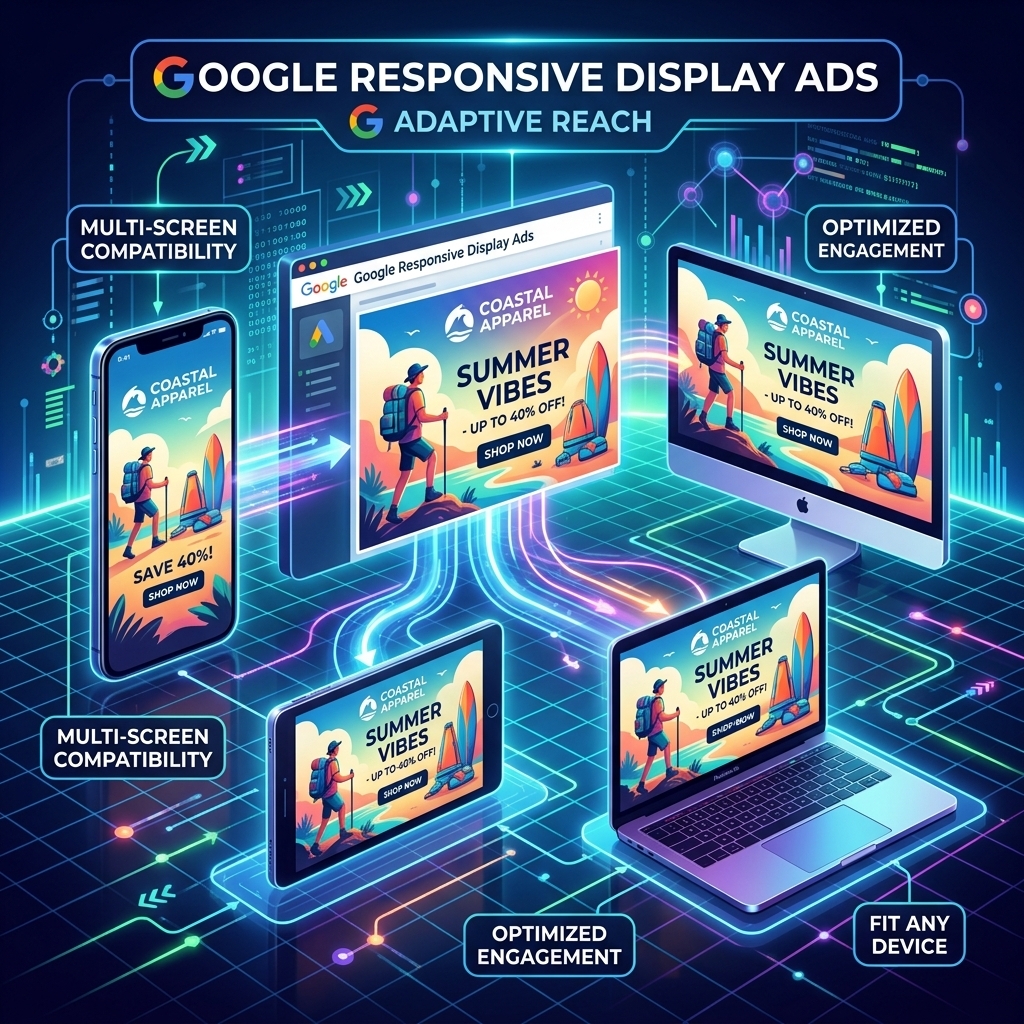
Leveraging Google Responsive Display Ads (RDAs) ensures adaptive reach across the entire Google Display Network, maximizing your impression share without the need for endless specific google display dimensions. RDAs are a powerful gdn creative format where you provide multiple assets—headlines, descriptions, images, and logos—and Google’s machine learning automatically combines and resizes them to fit nearly any available ad space. This google adaptive display functionality means your ads can appear in formats you might not have explicitly designed for, from small mobile banners to large desktop placements.
A client recently achieved a 22% increase in reach and a 15% reduction in average CPC by transitioning their GDN campaigns to primarily use google responsive display ads. The system intelligently optimizes combinations of assets based on historical performance and context, presenting the most effective ad variant to each user. For responsive display best practices, focus on providing a diverse set of high-quality images (landscape and portrait), compelling short and long headlines, and multiple description lines. This variety gives Google’s AI more options to create winning ad combinations. Advertisers using a verified agency ad account from AdShift can bypass the initial spending limits often imposed on new Google Ads accounts, allowing for more extensive testing of diverse RDA asset combinations and faster optimization cycles.
While RDAs offer unparalleled flexibility, understanding the nuances of creative design for these dynamic formats is crucial for success.
Creative Best Practices for GDN Ad Formats
Creative best practices for GDN ad formats significantly enhance engagement and performance, regardless of the specific google display ad types you utilize. High-quality visuals, clear messaging, and strong calls-to-action (CTAs) are paramount for breaking through the noise on the Google Display Network. I’ve found that ads with a clear value proposition and a single, prominent CTA can see CTRs 0.5-1.0% higher than those with cluttered designs, even on smaller google banner ad sizes.
When designing your gdn creative formats, consider these elements:
- High-Resolution Images: Always use crisp, professional images that reflect your brand. Blurry or pixelated images immediately degrade perceived quality. For RDAs, provide both landscape (1.91:1) and square (1:1) images.
- Clear and Concise Messaging: Your headline and description should convey your core message instantly. Users scan display ads; they don’t read essays. Use short, impactful phrases.
- Strong Call-to-Action (CTA): A clear CTA button or text (e.g., “Shop Now,” “Learn More,” “Get a Quote”) guides the user on what to do next. Ensure it stands out visually.
- Brand Consistency: Maintain consistent branding (logos, colors, fonts) across all your
google display ads formats. This builds recognition and trust. - Text Overlays (Minimal): While images are key, minimal, legible text overlays can reinforce your message. Avoid overcrowding the image, especially for smaller
google display dimensions. - A/B Testing: Continuously test different headlines, descriptions, images, and CTAs. Our campaigns show that iterative testing can improve conversion rates by 10-20% over time. For a deeper dive into overall strategy, refer to our comprehensive Google Ads strategy.
Adhering to these best practices ensures your creatives are not just seen, but also acted upon. Even with the best creatives, specific technical pitfalls related to ad dimensions can hinder campaign success.

Common Pitfalls in Google Display Dimensions and How to Avoid Them
Common pitfalls in Google Display Dimensions often lead to wasted spend and missed opportunities, preventing campaigns from reaching their full potential. One of the most frequent errors I’ve diagnosed in client accounts is the use of too few standard google display ad sizes. Relying on just one or two dimensions, like only a 300×250, severely limits ad inventory access, driving up CPCs for the limited placements you do compete for. This can result in a 30-50% lower impression share than accounts using a comprehensive set of static and responsive formats.
Another pitfall is using low-quality or poorly cropped assets, especially for google responsive display ads. If your uploaded images are low-resolution or don’t look good when automatically resized, your ads will appear unprofessional and deter clicks. Similarly, ignoring mobile-specific google display dimensions is a common mistake, given that mobile traffic often accounts for over 60% of GDN impressions.
To avoid these issues:
- Comprehensive Size Adoption: Always upload at least the six top-performing standard image sizes (300×250, 336×280, 728×90, 160×600, 300×600, 970×250) for desktop, and the key mobile sizes (300×250, 320×50, 320×100).
- Prioritize Responsive Display Ads: Make
google rdacampaigns your primary GDN strategy. Provide a wide variety of high-quality assets (5+ headlines, 5+ descriptions, 15+ images, 5+ logos) to give Google’s AI ample material to work with. - Mobile-First Design: Ensure your creatives are designed with mobile readability in mind. Text should be legible on small screens, and CTAs easily tappable.
- Regular Auditing: Periodically check your Google Ads account’s “Ads & extensions” section for ad strength and performance reports. Look for low-performing
gdn ad formatsor asset combinations and replace them.
For advertisers who need to test extensively and scale rapidly without initial account restrictions, renting a verified agency ad account can provide the immediate operational freedom to implement these best practices from day one.

Frequently Asked Questions About Google Display Ad Sizes
What are the most effective Google Display Ad sizes?
The most effective Google Display Ad sizes for desktop include 300×250 (Medium Rectangle), 336×280 (Large Rectangle), 728×90 (Leaderboard), 160×600 (Wide Skyscraper), 300×600 (Half Page Ad), and 970×250 (Large Leaderboard). For mobile, 300×250, 320×50 (Mobile Leaderboard), and 320×100 (Large Mobile Banner) are top performers. Responsive Display Ads (RDAs) are also highly effective as they automatically adjust to available space, maximizing reach across diverse placements.
How do Google Responsive Display Ads (RDAs) work?
Google Responsive Display Ads (RDAs) work by allowing advertisers to upload various assets—headlines, descriptions, images, and logos—which Google’s AI then automatically combines and resizes to fit almost any available ad space on the Google Display Network. This adaptive approach ensures your ad appears across a wider range of placements, optimizing for performance without requiring manual dimension adjustments.
Why are Google Display Ad sizes important for campaign performance?
Google Display Ad sizes are important for campaign performance because they directly influence ad visibility, impression share, and Click-Through Rate (CTR). Using a comprehensive set of ad dimensions ensures your ads can appear on more publisher websites and apps, capturing a larger audience. Incorrect or insufficient sizing leads to missed opportunities, lower overall campaign effectiveness, and potentially higher costs.
Can I use the same creative for all Google Display Ad sizes?
No, using the same creative for all Google Display Ad sizes is not recommended for static image ads. While some standard sizes may share similar aspect ratios, each dimension requires careful consideration for layout, text legibility, and image cropping to maintain visual integrity. For example, a creative optimized for a 728×90 leaderboard will not translate well to a 160×600 skyscraper. Responsive Display Ads address this by allowing multiple assets, which are then dynamically assembled.
How can an AdShift agency ad account help with Google Display Ads?
An AdShift agency ad account provides immediate access to high-spending limits and pre-verified status, which is crucial for extensive Google Display Ads testing. This allows advertisers to rapidly test various ad sizes, creative variations, and audience segments without being restricted by new account spending caps or lengthy verification processes. It accelerates optimization and scaling for GDN campaigns, ensuring you can fully leverage all available gdn ad formats.
Conclusion
Mastering Google Display Ad sizes is not merely a technical requirement; it’s a strategic imperative for maximizing reach, improving ad quality, and ultimately driving down CPAs on the Google Display Network. By systematically implementing the essential standard google display dimensions and fully leveraging the adaptive power of google responsive display ads, you ensure your campaigns are visible across the broadest possible inventory. Avoiding common pitfalls and adhering to creative best practices will further optimize your ad performance, turning impressions into conversions. Don’t let overlooked ad sizing limit your campaign’s potential.
Ready to scale your Google Display campaigns with unrestricted testing? Rent a verified Google Ads agency account from AdShift and skip the spending limits.